 01 / THE REAL WORLD
A NEW PERSPECTIVESome things
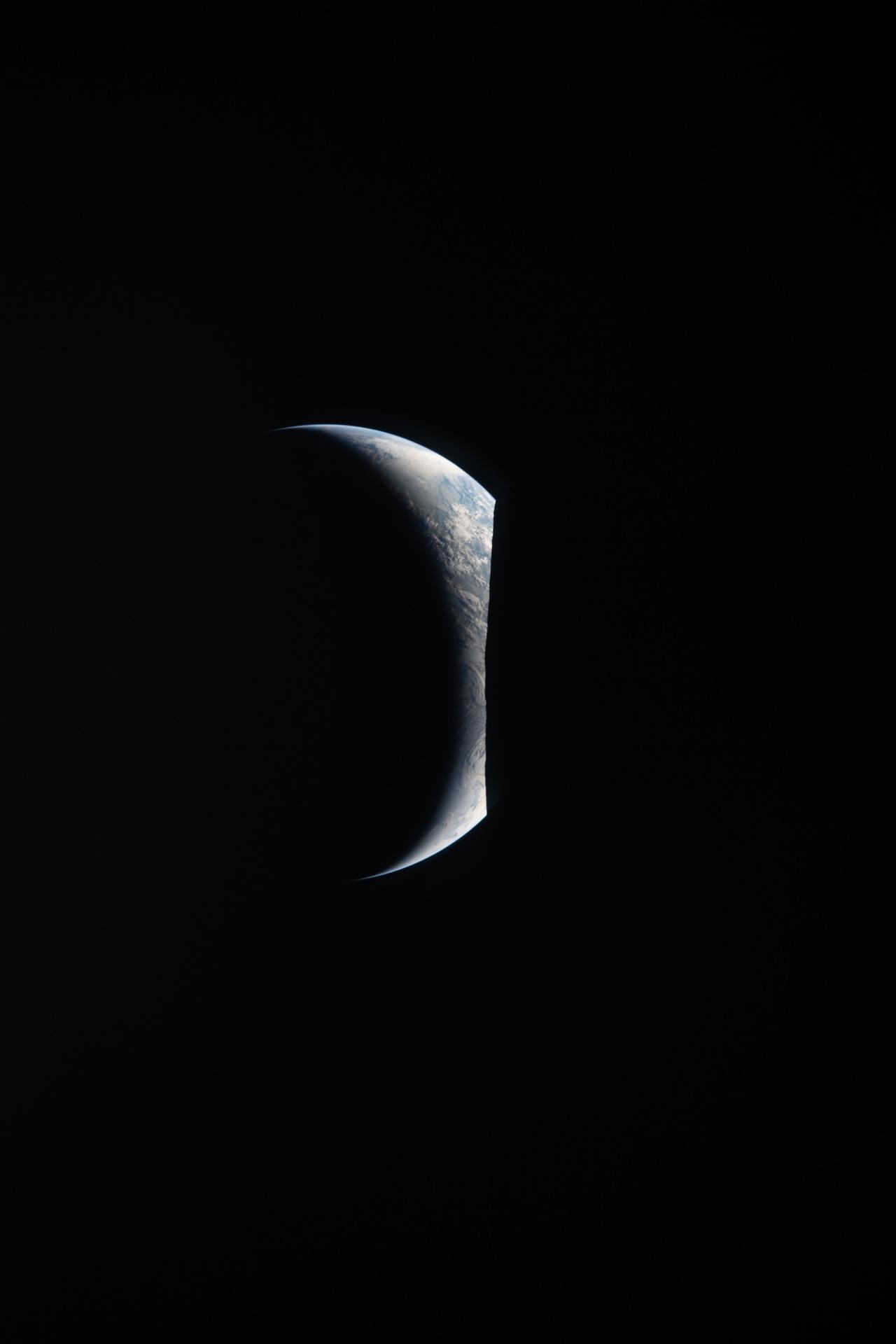
Archive photograph · NASA Your voice. Beautiful motion. A human touch.
Bring them together in videos that feel made, not generated.
01 / THE REAL WORLD 03 / THE HUMAN ELEMENT
Big idea Product story Deep dive How-to Social explainer
Most ideas don’t need a blockbuster budget. They need the right words, the right visuals, and someone with a point of view. That someone is you.
Keep your real delivery. Or create with a consented voice clone and a presenter that appears only where you want it.
Meet your on-screen selfExpressive typography, connected diagrams, and deliberate movement. Motion design that explains, not just decorates.
Watch the live previewActual photographs. Your screenshots. Original sources. Find web imagery without losing track of where it came from.
Explore this NASA sourceRecord yourself, paste a script, or start from a link. Research and shape the words before choosing the voice.
Lead with motion. Bring in a real image for context or your presenter for connection. Every scene stays yours to change.
Review the edit and the cost. Export a captioned video, or take the production assets to your favorite editor.
48 seconds told without AI video generation.
An illustrative edit, not a price quote. Speech, other generation, and final rendering can also use credits. You review the actual cost in the studio.
You don’t need a perfect prompt.
Just something worth sharing.
Editable motion does the heavy lifting. Add paid generation when a shot actually needs it, with a credit estimate before you commit.
Explore the narration-to-video workflow with trial access.
Top up an eligible account when you need more production credits.
Trial limits and purchase eligibility apply. Narration processing, optional AI generation, and exports may use credits. Current rates and plan details are shown in the studio; this is not a per-video price or a competitor savings guarantee.
Telloa combines editable motion design, your own media, sourced photography, and optional AI presenter or video clips in one narrated timeline. You choose the right medium for each scene instead of generating the whole video from scratch.
Yes. Record your own narration, or use an optional voice clone after a separate voice-consent flow. A rights-attested presenter reference lets you add your AI presenter to selected scenes. Presenter and voice generation depend on provider readiness and are quoted before you spend credits.
Start with audio, an idea, a URL, a document, or a script. Telloa helps build the storyboard, then gives you scene-level controls for typography, diagrams, media, and presenter placement. Your narration keeps its original timing.
Search Wikimedia Commons from the editor, review the original page and license, then add an image to a scene. Attribution travels with the image into the video and production assets. An image adds context; it is not, by itself, verification of a claim.
A vertical 1080 × 1920 MP4 with synchronized captions and the original narration. You can also download production media, the transcript, SRT and VTT captions, and a provenance manifest for further editing.